11 Best Keyword Research Tools [Free/Paid]
Selecting the right keywords decides how well you’ll rank on Google. I have been blogging for over 8 years now.
In my journey, I have used several keyword research tools, both free and paid, and in this article, I’ll share with you a list of keyword research tools that are best and worth your time.
So without wasting any further time, let’s dive straight into the article.
Shall we?
Why Do You Need A Keyword Research Tool?
Before we cover the best keyword research tools, I’d like to touch upon why you even need these tools in the first place.
So as a blogger, you can’t know what articles to write and which keywords to target randomly. You need a proper strategy in place.
As I mentioned above, selecting the right keyword can make or break your website traffic. If you keep choosing random keywords from the web and start posting articles, chances are you won’t get any traffic.
Having good keyword research tools helps you to know which keywords are low-hanging fruit and are unexplored.
These tools will help you find keywords that are easy to rank and also have massive traffic potential.
Without these tools, you’re just shooting in the dark.
Read – Youtube Keyword Researc – A Complete Guide
11 Best Keyword Research Tools [Free/Paid]
Now that it’s clear why we need a keyword research tool, let’s start exploring all the options we have in the market.
I’ll cover both free and paid tools in this list.
#1. Google Keyword Planner
Google Keyword Planner is the first tool in our list. It’s 100% free to use and gives you important keyword data if you’re just starting out in your blogging journey.
The tool is primarily designed for advertisers looking to run Google Ads. However, it also helps SEO guys like you and me.
To access the Google Keyword Planner, you have to login to your Google Ads account and head over to the Tools section.
In that, you’ll see an option for Google Keyword Planner. Type in your seed keyword, and the tool will show you all the related keywords with their approximate search volumes.
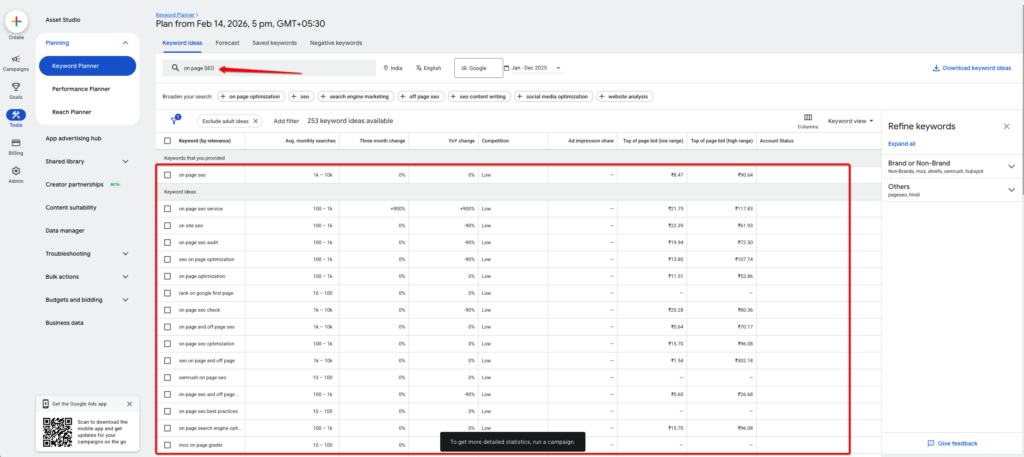
The best use of this tool is to find fresh keyword ideas, all for free.
Pros
- The tool is completely free to use.
- You get access to search volume and keywords data directly from Google
- Best free tool for discovering long-tail keywords.
Cons:
- The only way to access is to have a Google Ads account
- You don’t get search volume; instead, you get search ranges, which can be inconvenient.
#2. Google Autocomplete
This isn’t a keyword research tool, but I always use it before any other tool when conducting research.
Here’s how you can use it too. Whenever you’re looking for keyword suggestions, open Google and type in your seed keyword there.
Now enter space and see the magic.
Immediately, Google will show you long tail keyword suggestions for your seed keyword.
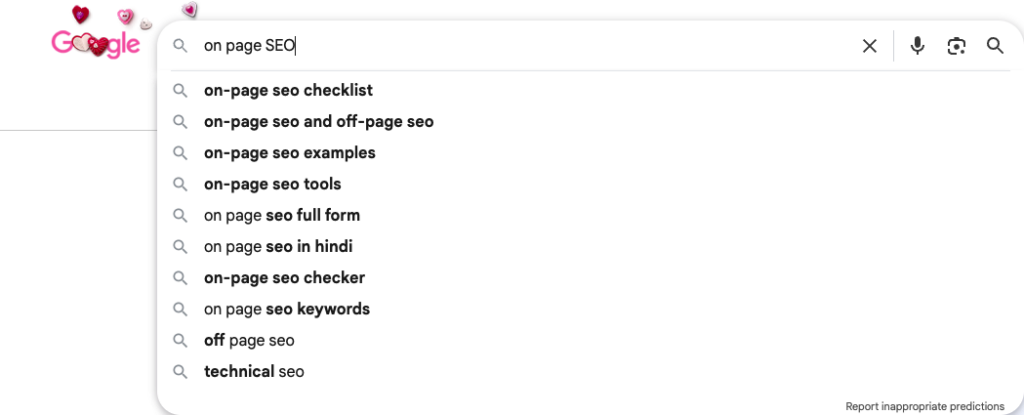
There are limitations to this, as you don’t see keyword search volume; however, you get keywords that people are literally searching right now. That’s powerful.
Make a list of all these keywords in an Excel sheet and use them in your article.
Pros:
- Completely free to use.
- Gives you access to keywords people are currently searching on Google.
- The best way to target long tail keywords that are guaranteed to get you traffic.
Cons:
- You don’t get access to the search volume and difficulty of the keyword.
#3. Ahrefs
Ahrefs is an all-in-one SEO tool. Their keyword research feature is very powerful to find hidden, low-competition keywords.
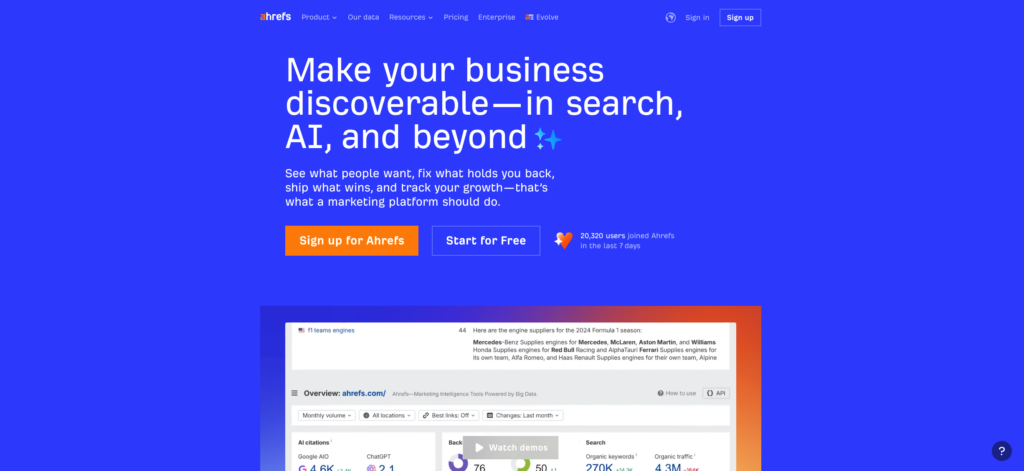
Go to the Keyword Explorer tool and in the search box type in your seed keyword. Ahrefs will then show you all related keywords that include your seed keyword.
Here, you can use advanced options such as exact match and phrase match keywords. If you just want questions, you can click on that option too.
Ahrefs shows you a comprehensive list of related keywords, including their exact search volume and keyword difficulty score. You also have additional advanced filter options, such as keyword intent and trending keywords.
Ahrefs isn’t a free tool; it costs $129/mo to access everything.
Pros:
- It’s currently the most advanced tool on the market for keyword research.
- You can enter a competitor’s website and analyse their keywords as well.
- For each keyword, you can also see the top 10 ranking pages for that keyword.
Cons:
- The tool is pretty expensive.
- At times, the keyword data you see is outdated, and you have to manually update it.
- Many marketers already use Ahrefs, so there’s a higher chance everyone’s seeing what you see.
#4. Semrush
Semrush is yet another powerful SEO tool that directly compares with Ahrefs. Both tools are equally effective for keyword research.
If I had to choose between these two, I’d go with Semrush primarily for the user experience and the other features they offer at this price.
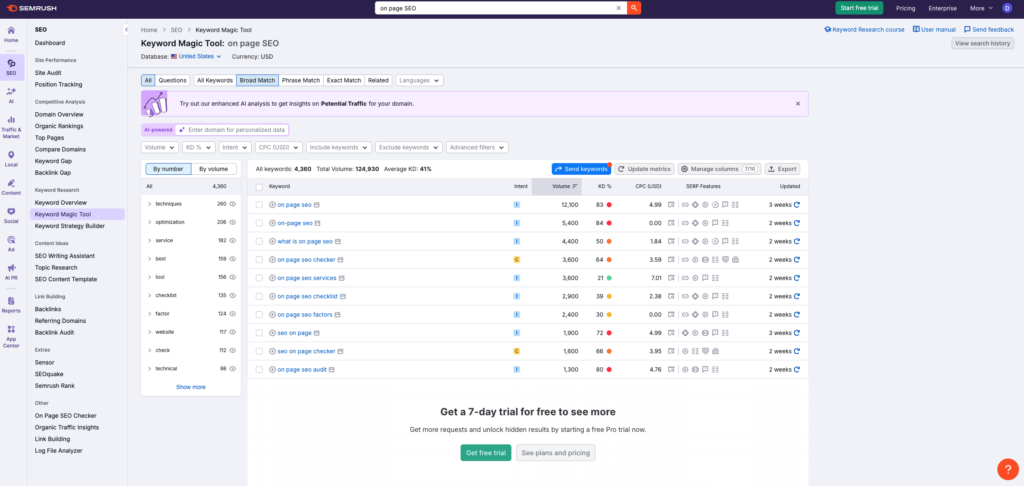
One feature that really stands out for Semrush is its competitor keyword analysis. Just provide them the domain name of your keyword, and the tool will tell you their best and worst performing keywords with in-depth traffic data.
You can also do keyword gap analysis, which shows you all the keywords you’re missing out on and your competitor is dominating those keywords in SERPs.
Other SEO features Semrush offers include link-building tools, on-page and technical SEO, and more.
Pros:
- A complete SEO tool that can fulfill all your SEO needs
- Advanced features like deep competitor analysis, backlink checker, on-page and technical SEO
Cons:
- The tool is the most expensive in this category, priced at $199/mo and up to $599/mo.
#5. LowFruits
LowFruits, as the name suggests, is ideal for finding low-hanging long-tail keywords that are easy to rank for in SERPs.
If you’re looking for a cheap keyword research tool that gives you data like Ahrefs and Semrush, LowFruits can be the choice for you.
With advanced features like keyword clustering, bulk keyword analysis, and competitor SERP analysis, LowFruits can be your go-to keyword research tool.
Pricing for the tool starts at $29.90/mo for the standard plan and $79.90/mo for the premium plan. They also have a 14-day no questions asked refund policy, so that’s an added bonus for you to try the tool risk-free.
Pros:
- Really good tool for finding low competition long-tail keywords
- Comes at a great price point
Cons:
- You can only analyse keywords with LowFruits. You can’t analyse domain and backlink profiles.
#6. Google Search Console
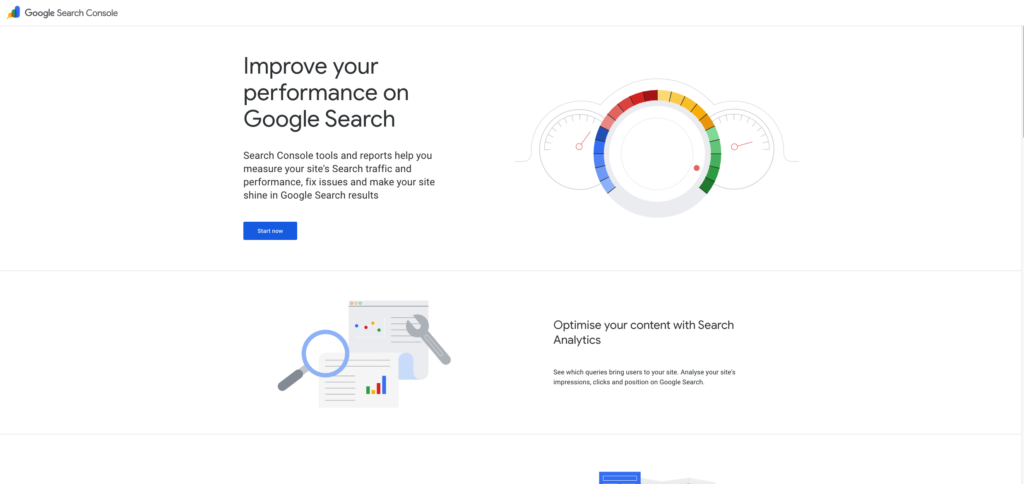
GSC is the OG keyword research tool. Fully free to use. However, this tool will only help you if you already have traffic to your website.
Google Search Console helps you identify keywords that drive impressions but not clicks.
You have to go to all the keyword queries you’re ranking for currently and sort them by highest impressions. Here, you’ll know exactly the keywords you get the most impressions from.
Now make a list of all these keywords and write content around them if you don’t have an existing article around that topic. If you have articles on that topic, use the keywords with the deepest impression in those articles.
Pros:
- The tool is fully free to use.
- Gives you insights into potential keywords that you can rank for.
- Perfect for gauging your overall SEO and keyword performance.
Cons:
- The data is limited to the current search volume and the keyword difficulty score.
#7. Ubersuggest
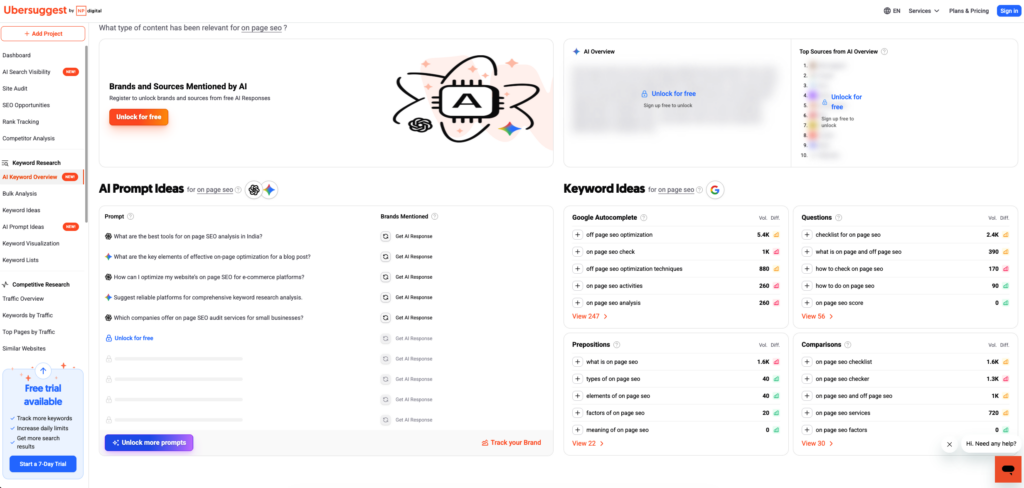
Ubersuggest is a keyword research tool that was recently acquired by Neil Patel (a well-known name in the blogging industry).
I would not recommend Ubersuggest as your go-to keyword research tool. You can use it as a support tool instead.
Here’s how
Once you have found a keyword that you’d want to rank for with the help of other free keyword research methods, you can use Ubersuggest to find more keywords.
You can also find countries and other geolocation information using Ubersuggest.
Currently, they offer 3 free daily searches. If you want more, you need to upgrade to their paid plans, which start at $29/mo and go up to $99/mo.
Pros:
- The tool gets constant updates
- User experience is significantly superior to that of other tools in this price bracket.
- Pricing is competitive, which makes it affordable.
Cons:
- Limited data compared to other players in the market like Ahrefs, Semrush and LowFruits
#8. AnswerThePublic
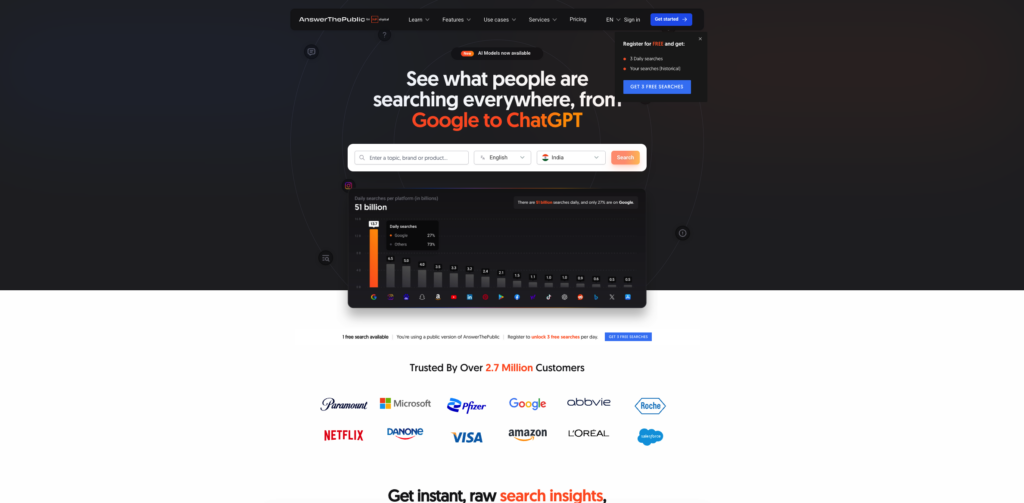
AnswerThePublic is yet another tool owned and managed by Neil Patel.
This isn’t really a keyword research tool, but it solves a unique problem that no other tool currently addresses in the market.
ATP solves all your keyword problems that are related to questions. You may have noticed many users these days searching for questions directly on Google.
AnswerThePublic presents this data as questions with their search volume, making it a powerful tool.
Pricing starts at $11/mo with 100 searches per day, which is enough for anyone to conduct research.
Pros:
- One of the best tools in the market for finding keywords with questions
- Very good pricing at just $11/mo for 100 searches
- Comes with a free 7-day trial.
Cons:
- Not the best tool when it comes to keyword research in the market
- The UI is sluggish and sometimes takes a long time to load, which is frustrating.
#9. Keywords Everywhere
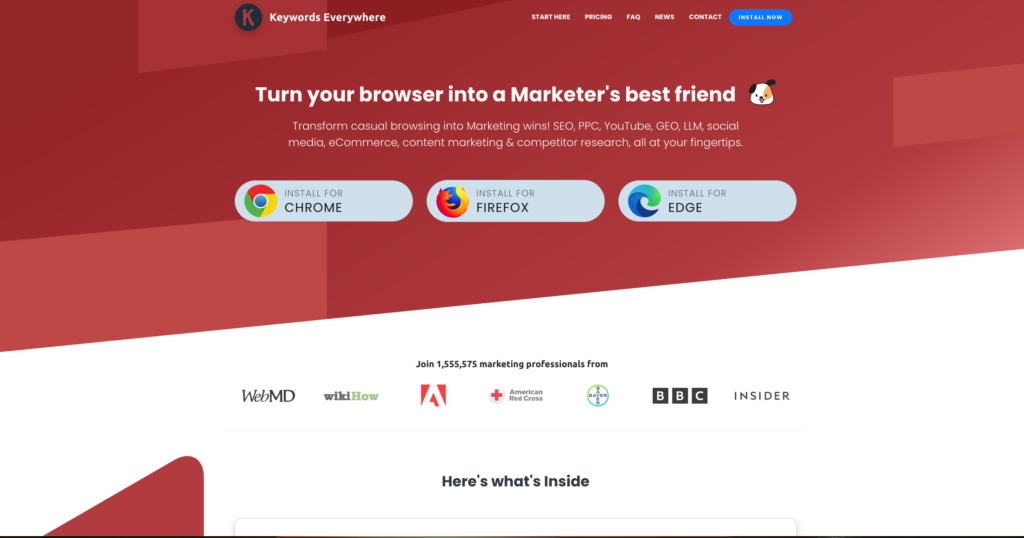
Keywords Everywhere is also a very old and reliable keyword research tool if you’re just a beginner starting out in your SEO journey.
For users already using the Google autocomplete to find new keywords, the Keywords Everywhere extension shows you the volume of these keywords, too.
This feature alone is very powerful and unique cause no other tool does it for you. Apart from this, if you have the extension installed, it shows all the suggested keywords and more on the right-hand side of your screen.
Unfortunately, to view keyword search volume, you need to upgrade to their paid plan.
Their paid plan starts at $72/year with over 400k keyword credits, which I think is more than enough for a beginner blogger.
Pros:
- Shows you the search volume for Google autocomplete keywords
- Comes at a great pricing point
Cons:
- It only shows you basic keywords and not all the keywords
- Keyword volume is random and not fully accurate compared to tools like Ahrefs and Semrush
#10. Answer Socrates
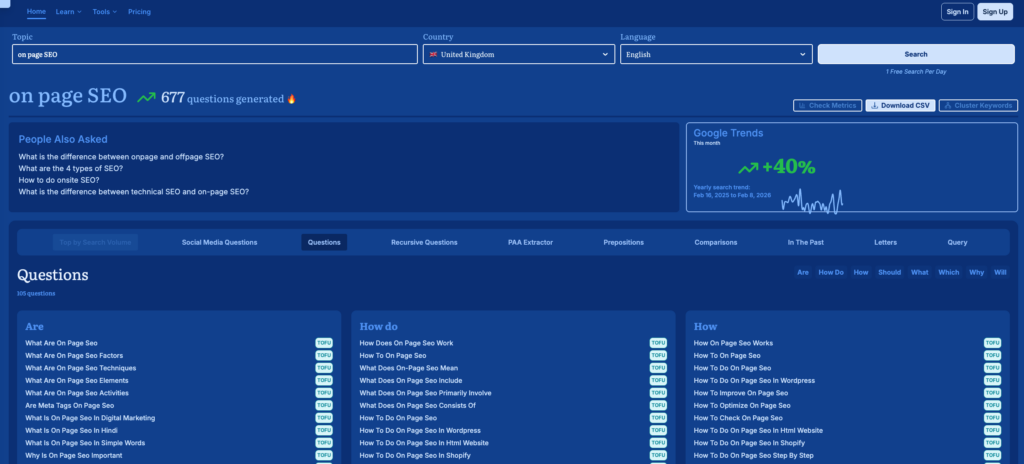
Answer Socrates is a very similar tool to AnswerThePublic.
If you’re looking to target keywords that contain questions like how/what/why in the keyword term, Answer Socrates can be the right tool for you.
The tool offers 3 free searches per day; for additional searches, you need to upgrade to a paid plan for $9/mo.
With respect to the features, you get keyword clustering, keyword sheet, and a trending topics section where you can find keywords that are currently trending.
For anyone strictly looking to upgrade from the free Google autocomplete keyword research method and want to know what questions people usually ask on Google, Answer Socrates is the right tool for you.
Pros:
- Best for finding question-based keywords
- You can do keyword clustering for various search intents
Cons:
- The tool is not free and is limited to only 3 free searches per day
#11. KeySearch
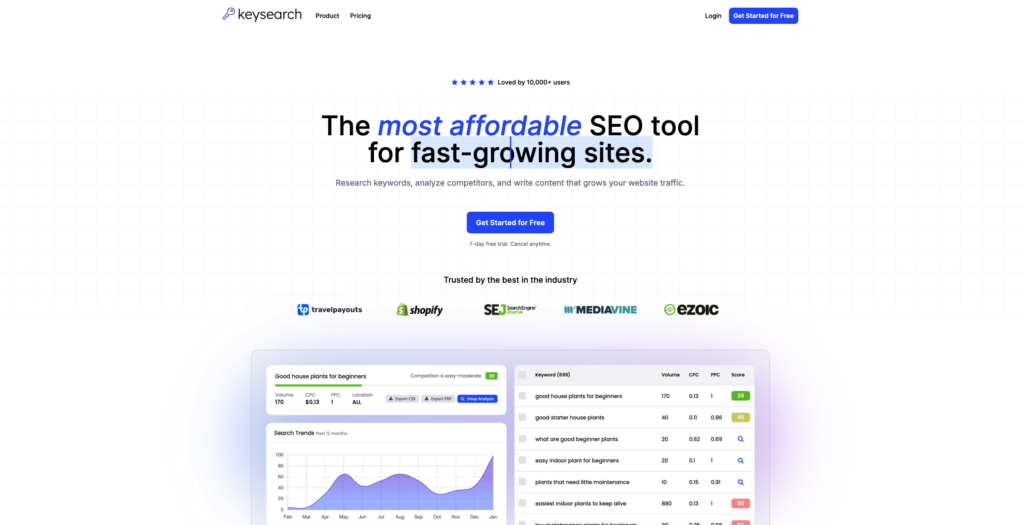
The last tool in our list of best keyword research tools is KeySearch. KeySearch is similar to Ahrefs and handles the heavy lifting for you.
You won’t get the professional-looking user interface like Ahrefs or Semrush, but it gets the job done.
The good part about KeySearch is that you get the Google autocomplete feature for YouTube and Bing, too.
With KeySearch, you can track not only your keywords but also track competitor keywords, run SEO audits, and have an AI content assistant.
Pros:
- The software’s pricing is very good.
- You get all the advanced SEO features that you usually get in expensive tools like Ahrefs and Semrush.
Cons:
- The UI is sluggish and feels outdated.
Best Keyword Research Tools FAQs
Let’s uncover some of the most basic questions users have regarding keyword research tools.
Question: Which keyword tool is the most accurate?
Answering this question is pretty hard in my humble opinion. If you ask me, I think Semrush is the most accurate when it comes to providing accurate data. It can differ from person to person.
Question: Are paid keyword tools worth spending the money?
Absolutely, the data and insights that you get in a paid keyword research tool are hands down worth spending the money on.
Question: Which keyword research tool is best for beginners?
For a complete beginner, I recommend starting with Google Autocomplete and Google Keyword Planner.
Once you gain experience, shift to more advanced tools such as Ahrefs and Semrush.
Question: What is the cheapest and yet the best keyword research tool?
KeySearch is the best and most affordable keyword research tool that offers you everything at a fraction of the cost compared to Ahrefs and Semrush.
Final Words:
I hope this article helped you find the right keyword research tool for your needs.
Choosing the best keyword research tool can be a very personal choice. What you might like using, I can hate and vice versa. For this reason, I have shared with you 10 options to choose from.
If you’re a beginner on a tight budget just starting out, I’d say stick with the free tools. On the contrary, if you have the money to spend on a premium keyword research tool, definitely spend it because it’s very well worth it.
If you have any more suggestions for me w.r.t to this article, don’t hesitate to leave it in the comments below, and I’ll see you in the next one.
Contents